Overtime is a smaller capacity decision than adding another person. From Week 2, you can authorise overtime for an individual working resource. It gives that resource one additional production roll and adds US$250 to Actual Cost.
AvailabilityWeeks 2–12Not available during Week 1.
CostUS$250Per selected resource, per week.
Benefit+1 rollOne extra production roll for that resource.
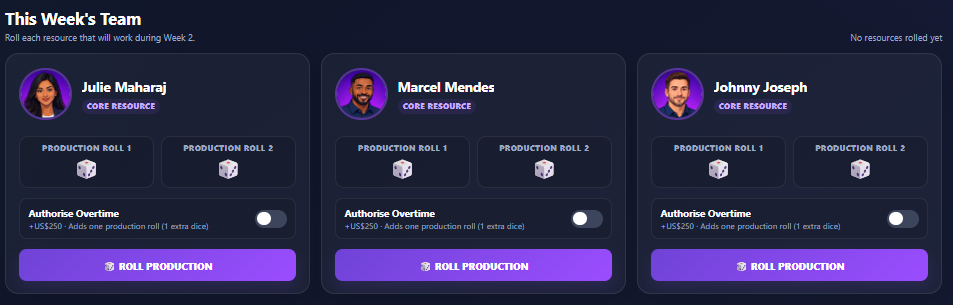
1AuthoriseSwitch overtime on for the chosen resource.
→
2RollThe resource receives one additional production roll.
→
3PayUS$250 is added to Actual Cost.
Overtime is a trade-off
The US$250 cost is known before you roll, but the production result is uncertain. Use overtime when the possible additional capacity makes sense in the context of the project's schedule and cost position.
Still not finding the answer to your question?
Our support team can help. Tell us what you were trying to do and, if possible, include a screenshot of what you see.